
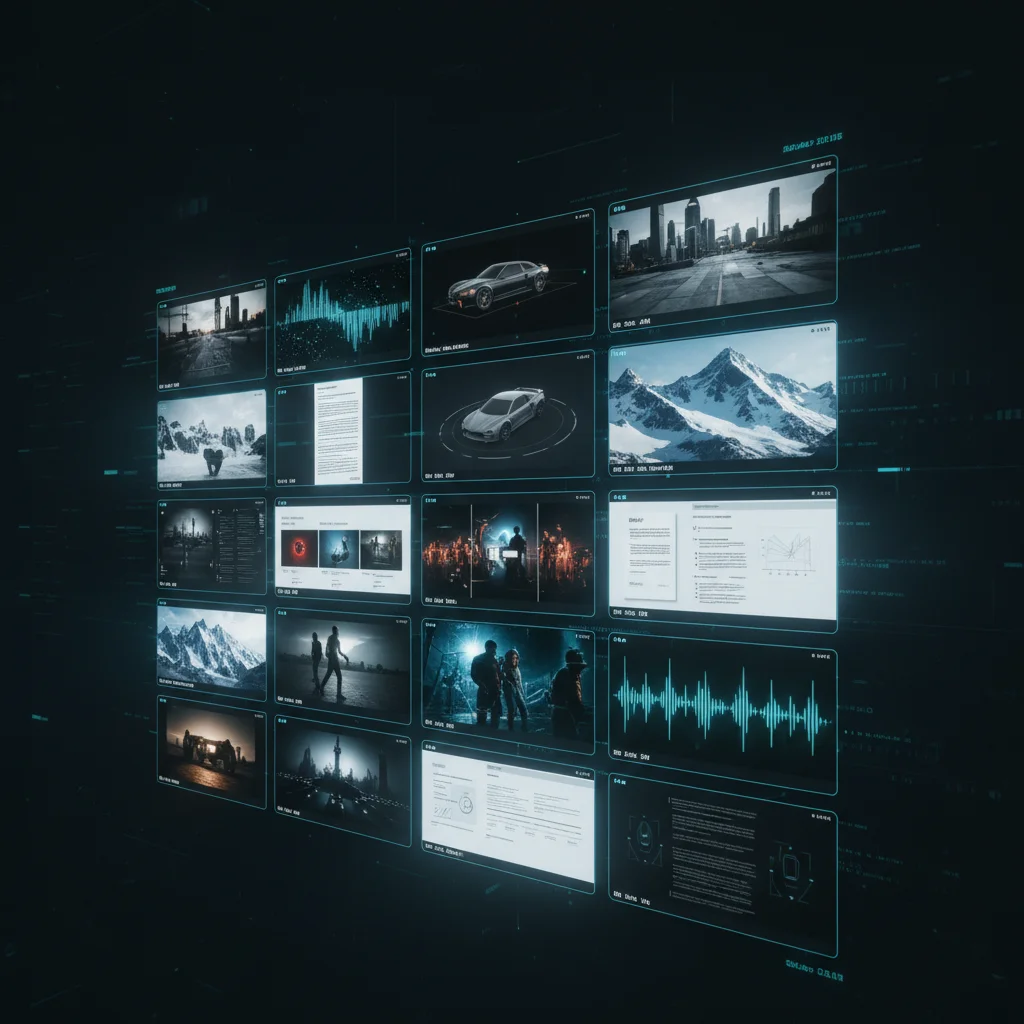

See Any File. Instantly.
Lens generates visual previews for 125+ file formats in sub-second time, streaming directly from any storage backend. The fastest preview engine in production.
50,000 Files. Zero Visibility.
A coordinator opens Conductor and browses thousands of files across global storage. A production might have 50,000 EXR files, 2,000 RAW camera photos, hundreds of 3D models, and thousands of documents.
Most preview systems cannot handle VFX formats at all, and even for standard formats they are slow. Lens makes everything visible. Sub-second. From any storage.
Even files that no other preview system can render — EXR, DPX, Cineon, MXF, RAW camera files from 30+ manufacturers. It is the visual layer that transforms a list of filenames into a browsable, visual library.
Before
- SH010_comp_v003.exr
- A007_C003_0101.CR2
- asset_final_v8.fbx
- render_0425.dpx
- proxy_HD_001.mxf
After
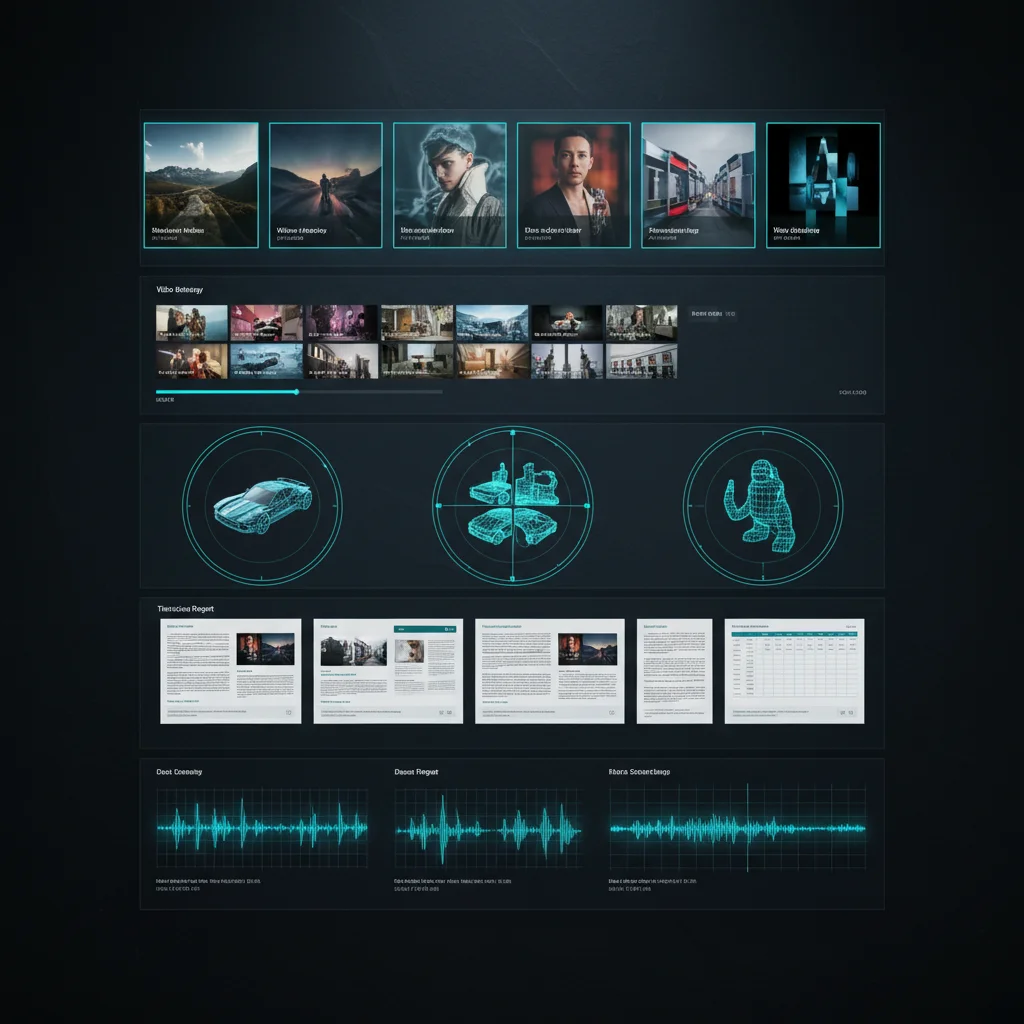
125+ Formats. Six Categories.
From Canon RAW to OpenEXR to FBX — Lens handles formats that other preview systems cannot even open.
42 Image Formats
JPEG, PNG, TIFF, WebP, AVIF, HEIC, JP2, PSD + HDR formats (EXR, DPX, Cineon, HDR) + RAW camera files (CR2, NEF, ARW, DNG, IIQ, 3FR) from 30+ manufacturers.
22 Video Formats
MP4, MOV, MKV, MXF, WebM, AVI, WMV, FLV + legacy formats. Byte-range reading means we only download 2-20MB of a 500MB+ file.
36 3D Model Formats
OBJ, FBX, glTF/GLB, STL, PLY, USD, USDZ, Alembic + many more. Largest 3D format coverage of any preview engine.
Documents
Fast, accurate PDF rasterization for document previews.
26 Audio Formats
MP3, WAV, FLAC, AAC, OGG, M4A + more. Visual waveform generation (planned).
CAD Formats
Engineering drawing previews from DXF files.
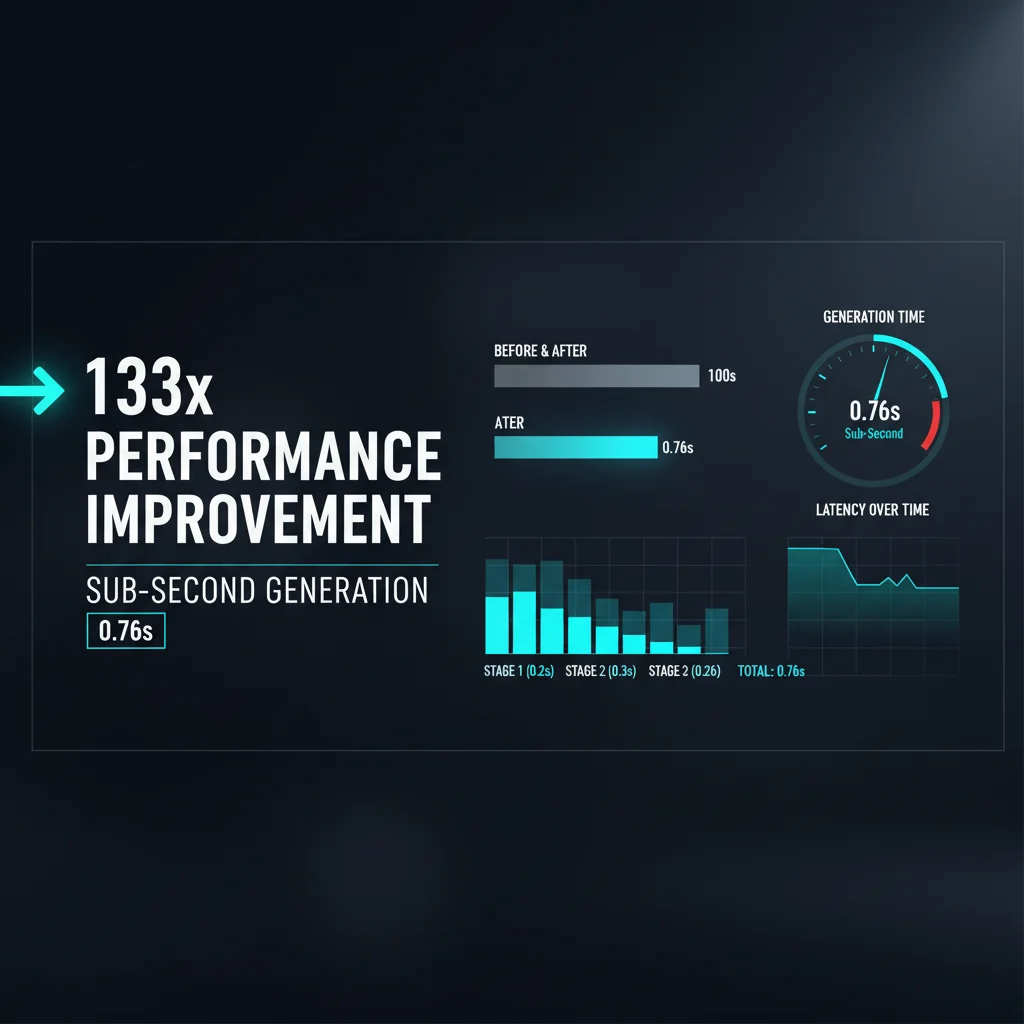
Sub-Second. Verified.
Real benchmark data from actual production files. Not theoretical. Not marketing.
| Format | Before | After | Speedup | Visual |
|---|---|---|---|---|
| Canon CR2 (RAW) | 20,000ms | 150ms | 133x | |
| OpenEXR (HDR) | 3,500ms | 300ms | 12x | |
| Animated GIF | 5,000ms | 70ms | 71x | |
| PSD (Photoshop) | 3,000ms | 400ms | 8x | |
| 500MB MP4 (byte-range) | 2,000ms | 40ms | 50x |
From Actual Data
These benchmarks come from baseline_results.json — tested against real production files, not synthetic test cases.
Worst Case: 8x
Even Photoshop PSD files — one of the most complex formats — see an 8x speedup. The median improvement is over 50x.
Best Case: 133x
Camera RAW files achieve 100-200x speedups by extracting the embedded JPEG preview instead of decoding the full sensor data.

Four Tiers of Optimization
Every format family gets its own optimization strategy. Nothing is treated generically.
RAW Camera Files
100-200xEmbedded JPEG preview extraction. Camera RAW files contain a full-resolution JPEG preview baked in by the camera. Lens extracts it directly instead of decoding the full Bayer sensor data.
HDR and Vector
10-50xDisable compression, skip tone-mapping, low-DPI render. HDR formats like EXR and DPX do not need photographic tone-mapping for a preview — a fast linear-to-sRGB conversion is sufficient.
Modern Formats
3-10xFast decode modes, skip alpha channel, reduce-factor loading. Modern image codecs support partial decoding at reduced resolution.
Legacy Formats
2-3xOptimized decoder settings, memory-mapped I/O, format-specific fast paths.
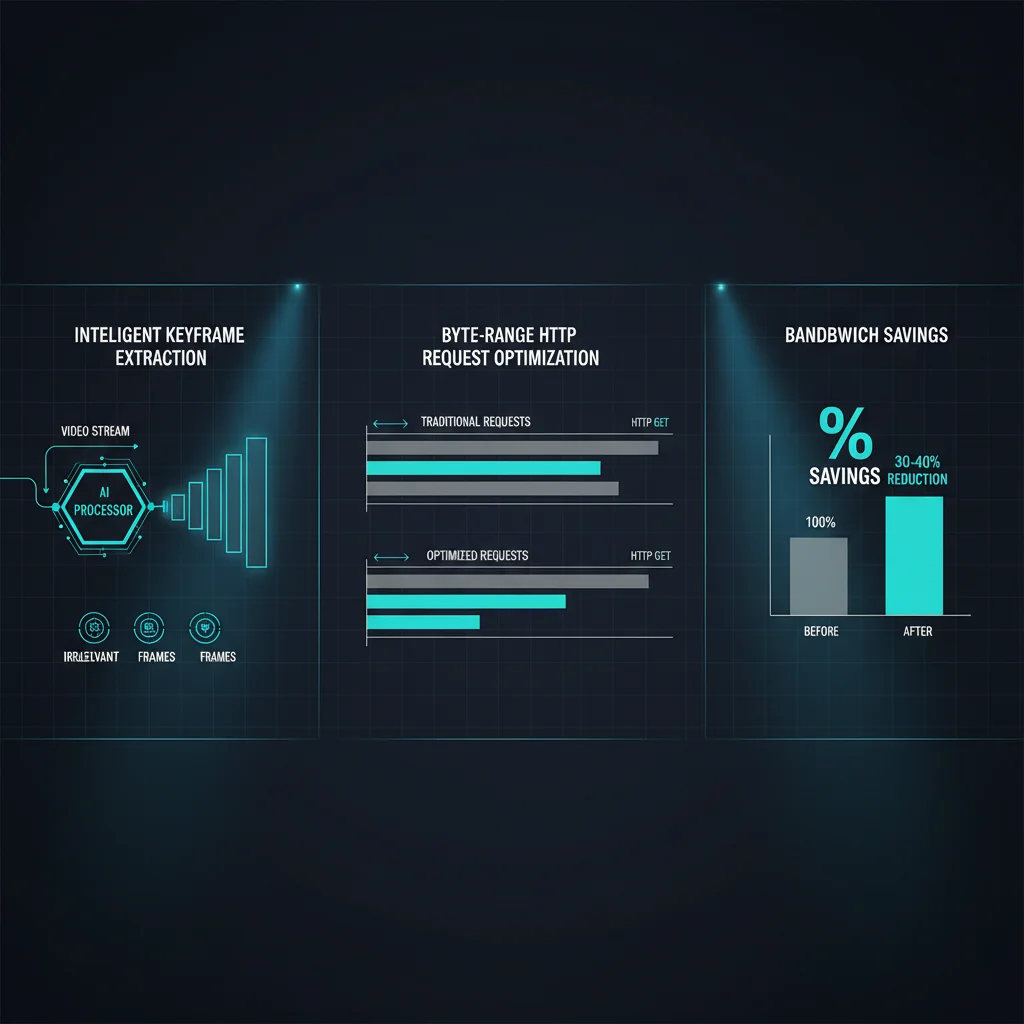
Video: 98% Less Bandwidth
Generating a thumbnail from a 500MB video file does not require downloading 500MB. Lens uses byte-range requests to fetch only 2-20MB — a 98% bandwidth reduction.
Byte-Range Requests
Downloads only 2-20MB of a 500MB+ file. Progressive range strategy: tries 2MB first (80% success for MP4), then 5MB, then 10MB. MOV dual-range: fetches head (5MB) + tail (2MB) for legacy QuickTime files.
Keyframe-Only Decoding
The video decoder extracts only keyframes (I-frames), skipping all P-frames and B-frames. For a thumbnail, a single keyframe is sufficient. Reduces decode time by 10-50x depending on GOP structure.
GPU Acceleration
Auto-detected hardware acceleration: CUDA (NVIDIA), VAAPI (Linux), QSV (Intel), VideoToolbox (macOS). Codec-aware optimization selects the fastest available decoder per format.
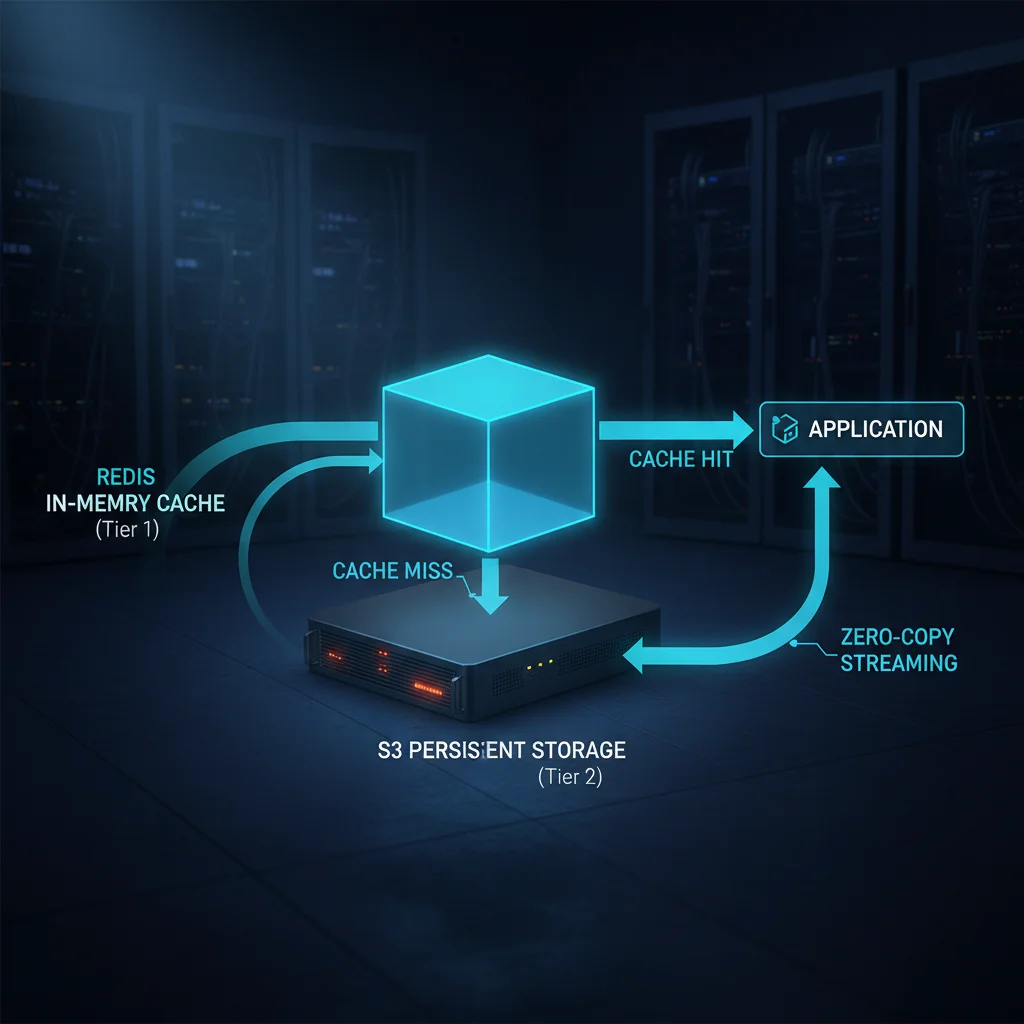
Zero-Copy. Zero Disk.
S3 Bucket
Source storage
Cloud Streaming (Zero-Copy)
64MB buffer
Processing Engine
stdin processing
Response
Direct output
Connection pooling • Zero disk I/O
Lens streams files directly from S3 into the processing pipeline via Unix pipes. The file never touches disk — it flows from S3 through the network, into a 64MB pipe buffer, directly into the processing engine via stdin.
This zero-copy architecture eliminates disk I/O latency entirely. Our streaming engine is 10-100x faster than standard tools for S3 operations, with connection pooling for sustained throughput.
Two-Tier Caching
Tier 1: In-Memory Cache
Metadata cache (permanent). Atomic signed URL rotation. If a cached thumbnail's signed URL expires, the cache atomically generates a new one without re-rendering.
Tier 2: S3
Lens cache storage. Rendered thumbnails are uploaded to a dedicated S3 cache bucket in the background (non-blocking). Subsequent requests for the same file are served from cache.
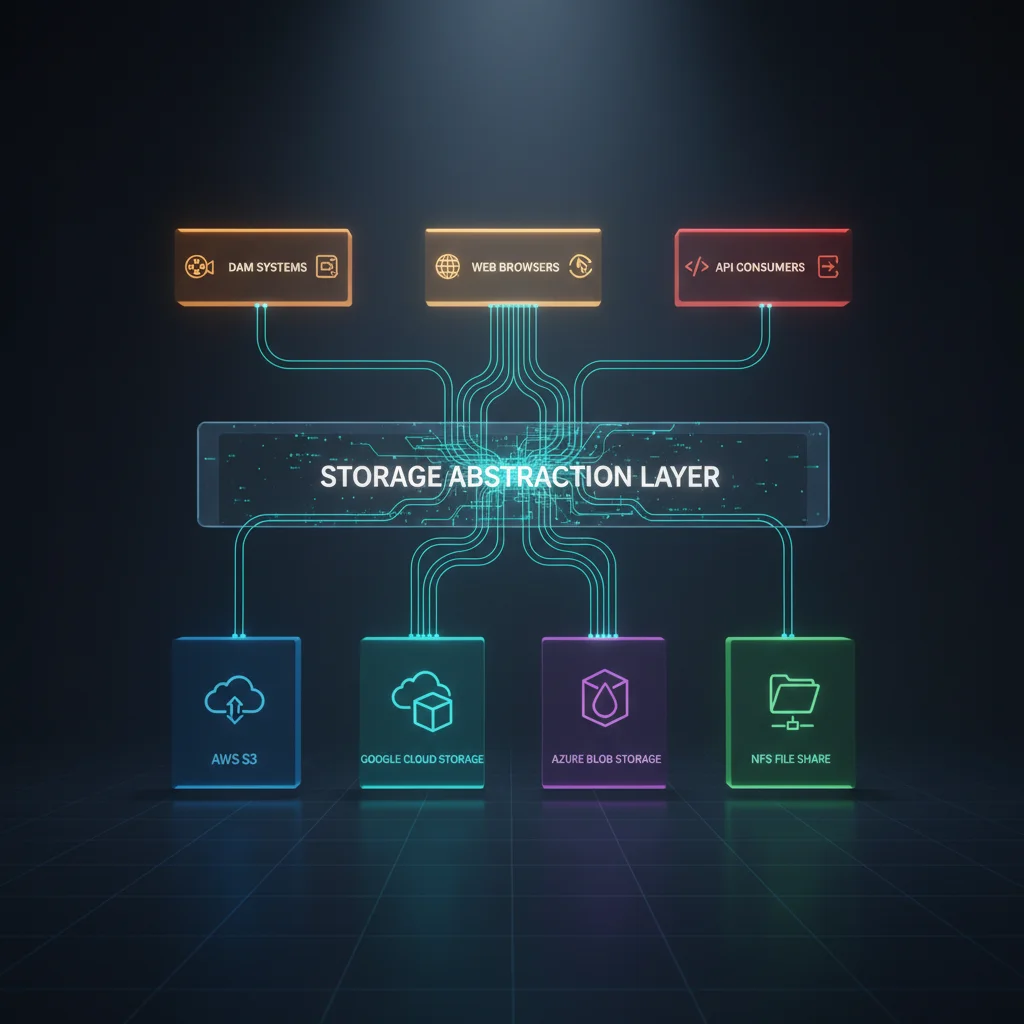
Any Storage. One Interface.
Lens connects to every storage backend simultaneously. A single deployment renders previews from S3, NFS, Samba, and Box without switching contexts.
Amazon S3
Primary cloud storage. Zero-copy direct cloud streaming. Byte-range requests for large files. Connection pooling.
NFS
Network file system. Direct mount access for on-premise storage arrays and SAN volumes.
Samba/SMB
Windows/Linux file shares. Native SMB protocol support for production studio networks.
Box
Enterprise cloud storage. API integration for studios using Box as their content management layer.

Connected into Conductor: When a coordinator browses files in Conductor's global file browser, Lens generates previews in real-time for every file they see — regardless of which storage backend it lives on.
Built for Speed
Make Every File Visible
See how Lens can power instant previews for your entire media library — 125+ formats, sub-second, from any storage.