


The Command Center for Your Media Pipeline
Conductor is where the pipeline gets configured. Where thousands of files across global storage become organized, enriched, production-ready assets. One interface. Twelve integrated modules. Complete pipeline control.
 Where Conductor Fits
Conductor is the entry point and control plane for your entire media supply chain.




Conductor connects your file systems to pipeline actions. Browse files on any storage, configure how they flow through the pipeline, trigger orchestration, and monitor every step.
The Four Pillars
Unified control over files, productions, storage, and processing.
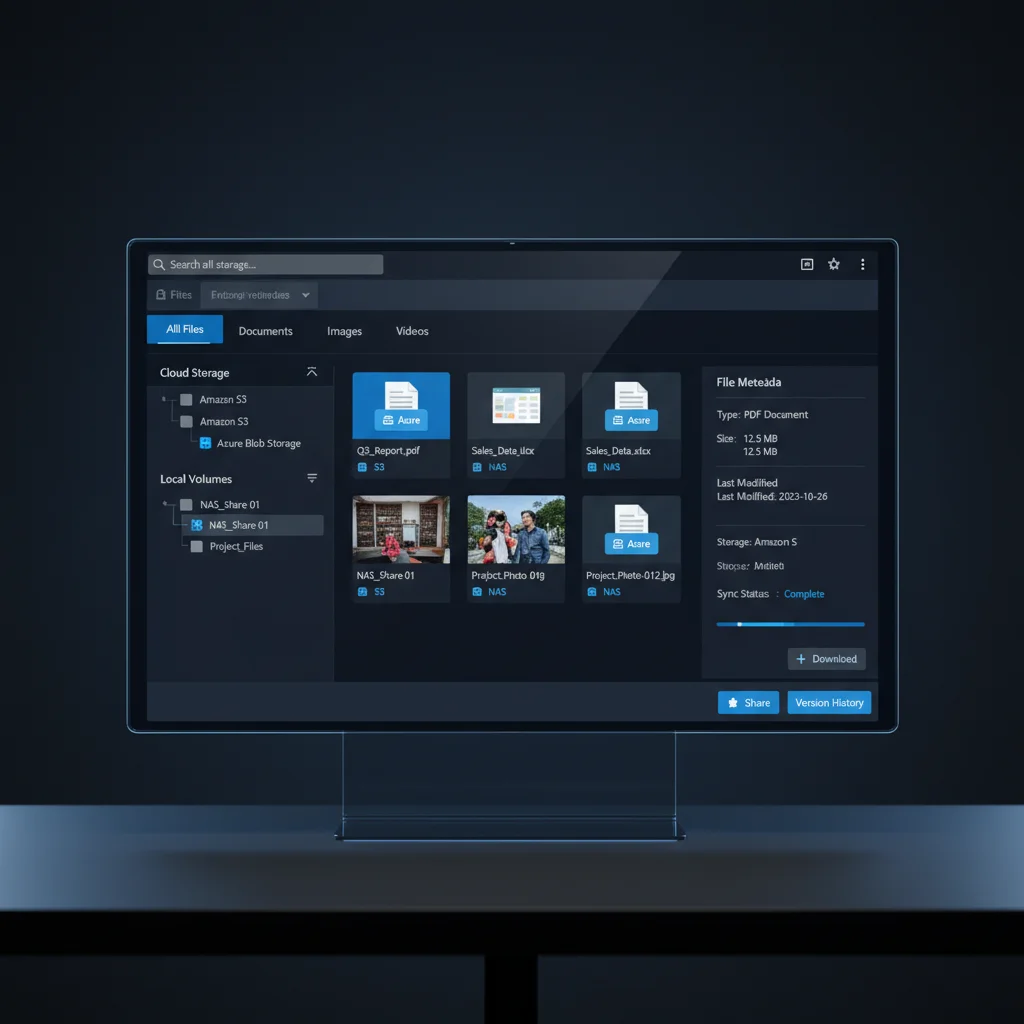
Unified File Browser
Browse, search, and preview files across all connected storage -- S3, Box, Google Drive, Azure, SFTP, FTP, and NFS/SAN volumes indexed by StoreDNA. One view into every file your organization has, regardless of where it lives.
- Lens previews for all browsable files
- Full-text search across indexed volumes
- Select files directly for orchestration actions
- StoreDNA-powered indexing for enterprise NAS/SAN
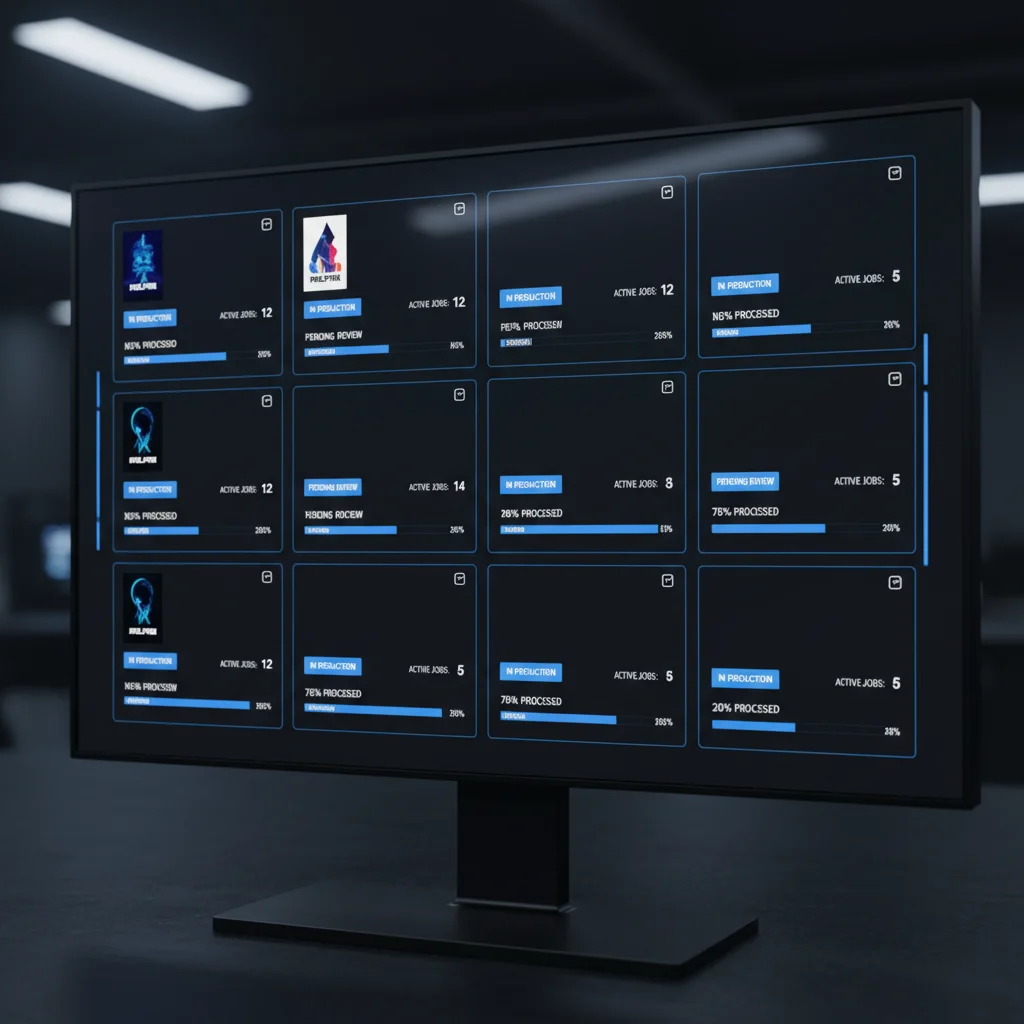
Productions Dashboard
Manage all active productions from a card-based dashboard. Create new productions, upload poster art, track status, and associate storage volumes, metadata configurations, and processing rules per production.
- Card-based production management with animations
- Production creation modal with poster upload
- Status tracking across all active productions
- Per-production configuration isolation
Connected Storage
Connect any storage volume and configure exactly how it participates in your pipeline. Assign connection names, define ingest stages, set user permissions, configure mount paths, and establish ingestion rules per connection. Works with both cloud volumes and on-premise NAS/SAN indexed by StoreDNA.
- Connection name, stage, user ID, and permission configuration
- Mount path specification per volume
- Ingestion rules per connection
- Storage providers: S3, Box, Google Drive, Azure, Dropbox, FTP, SFTP
Processing Queue & Orchestration
Monitor every processing job in real time. The dual-tab interface shows active Forge processing jobs alongside orchestration rules. Filter, paginate, retry failed jobs, cancel running ones, and view detailed logs -- all with live WebSocket updates.
- Dual-tab view: Processing Queue + Orchestration Rules
- Real-time WebSocket updates (no polling)
- Job actions: retry, cancel, view logs
- Filters and pagination for large job volumes
Configure Every Stage of Your Pipeline
Conductor provides dedicated configuration for every stage of media operations.
Ingest Policies
Define exactly HOW files are ingested into your pipeline. The visual path segment builder lets you enable, disable, or override individual segments of the ingest path. A computed path preview shows the final result in real time.
WRAP Report Templates
Configure industry-standard directory structure templates for WRAP (Written, Recorded, and Archived Picture) reporting. Select templates, associate them with specific storage volumes, and set base path configurations per template.
Linked Systems
Connect external production systems like ShotGrid, Airtable, or custom APIs. Assign metadata fields per system, multi-select which productions each system applies to, and monitor connection health with real-time status indicators.
Metadata Mapping
Configure field-level metadata mapping between source systems and your DAM. Map ShotGrid fields to DAM taxonomy, transform values during mapping, and define default values for unmapped fields. All mappings are executed by Fabric during the enrichment stage.
Naming Conventions
Define file naming standards and rules that are automatically applied during pipeline processing. Set patterns, validation rules, and automatic corrections. All naming convention enforcement is executed by Fabric during metadata enrichment.
AI Configuration
Configure AI service connections and processing parameters. Set up OpenAI and Anthropic integration credentials, define which AI models to use for different media types, and configure enrichment parameters.
Monitor, Search, and Audit Everything
Complete operational visibility across your entire pipeline.
Global Search
Search across all indexed volumes and production metadata. Find any file, anywhere, instantly.
Audit Logs
Comprehensive admin audit trail. Every action, every user, every timestamp. Full compliance visibility for RBAC-governed operations.
Role-Based Access Control
Four permission levels -- Admin, Coordinator, User, Viewer -- govern who can configure, trigger, monitor, and view pipeline operations.
Decision-Based Orchestration
Conductor's orchestration engine turns file browsing into pipeline action.
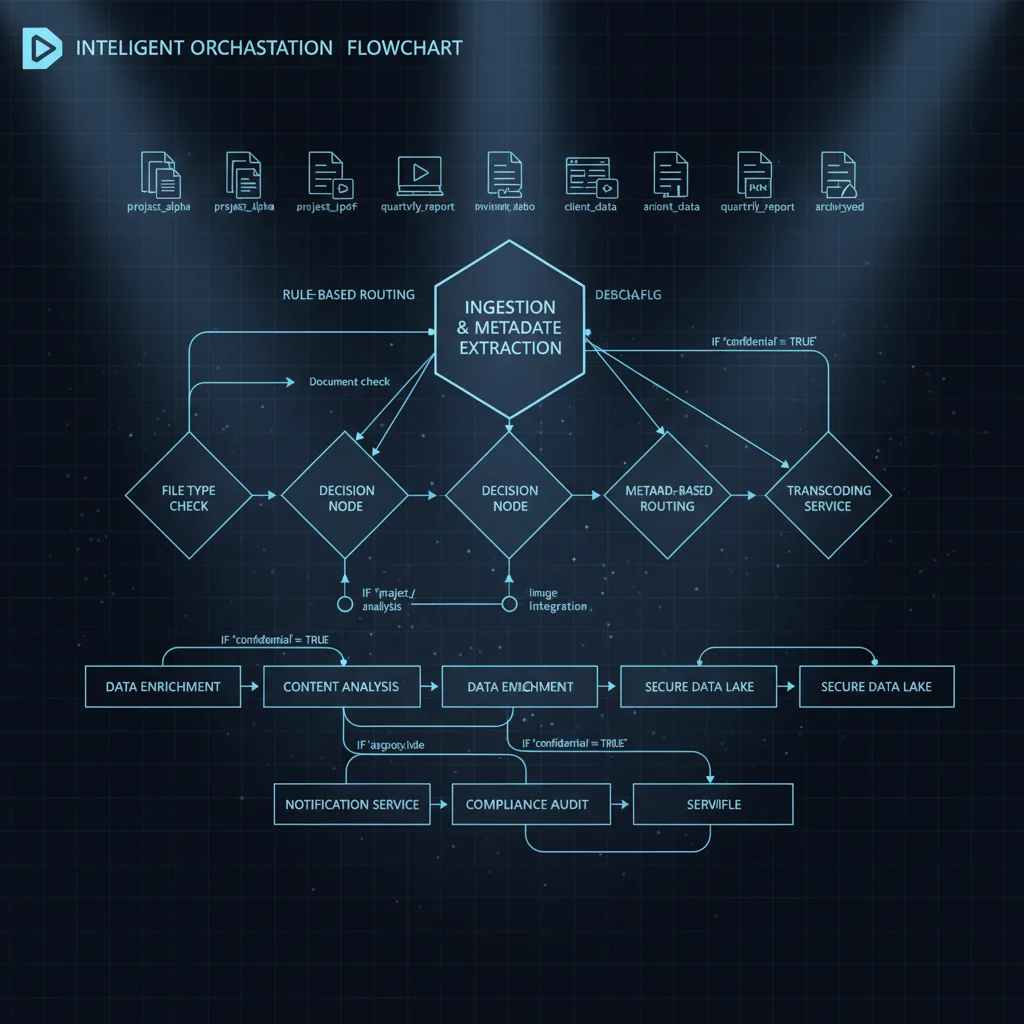
The orchestration engine follows a direct submission architecture. When you select files in the browser, you make a decision: push to DAM, push to Pix, archive, or delete. Conductor transforms the file paths using your configured rules (strip prefix, add prefix, remap), then submits the action directly through StoreDNA for immediate execution.
For organizations requiring governance, Conductor also supports a legacy approval workflow. Bulk approval capabilities let coordinators review and approve batches of orchestration requests before execution. Five path-matching strategies ensure files land exactly where they need to be.
Direct submission -- not queued. Actions execute immediately.
For governance-sensitive workflows, enable the approval layer. Coordinators review, bulk-approve, and release orchestration batches before execution.
Enterprise File Indexing with StoreDNA
Conductor leverages StoreDNA's enterprise indexing infrastructure to unify visibility across on-premise and cloud storage.
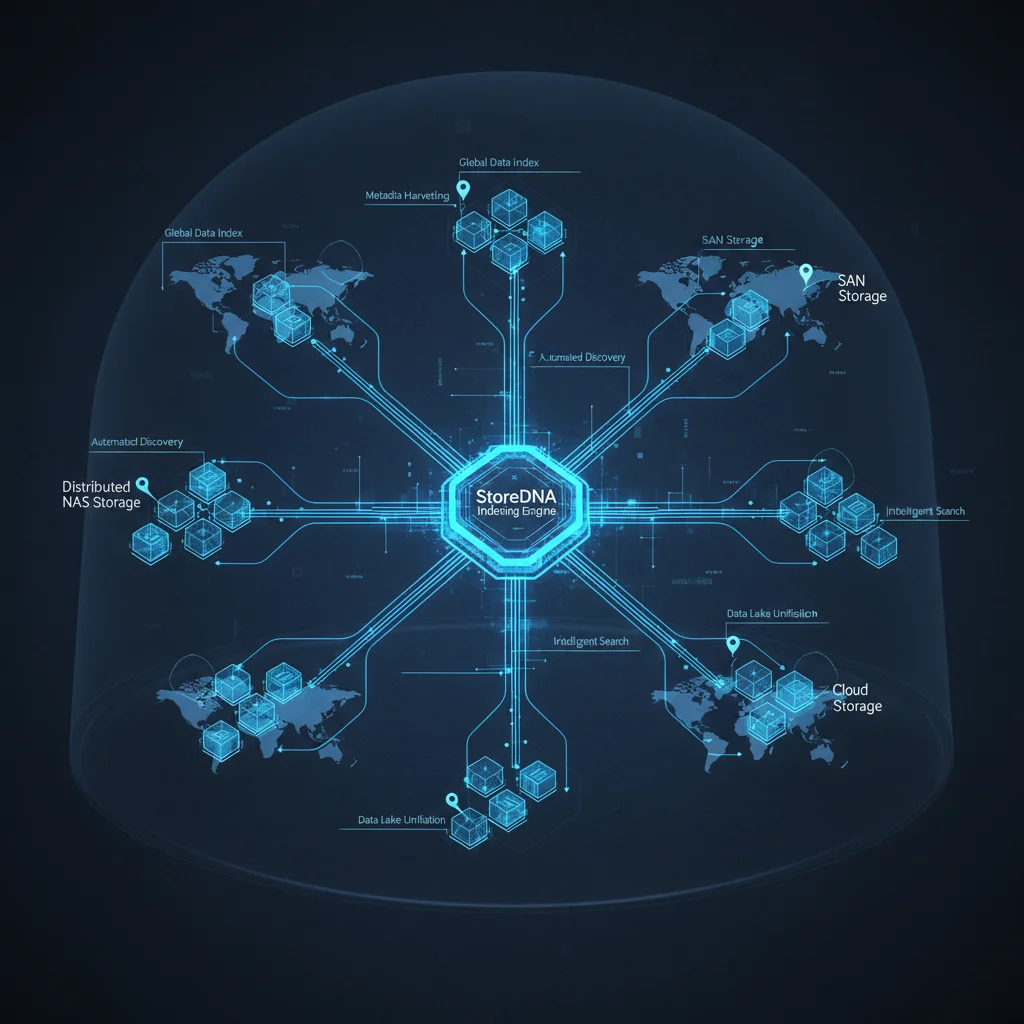
StoreDNA provides the enterprise-grade file indexing and management infrastructure that powers Conductor's ability to browse and orchestrate files across heterogeneous storage environments. Through a two-step authentication flow and dual API endpoints, Conductor connects to StoreDNA's primary and indexer services to deliver file browsing, searching, and orchestration trigger capabilities.
Supported Storage Providers
Two-Step Authentication
Primary authentication plus Wildfly server validation ensures enterprise-grade security.
Dual API Architecture
Primary API for file operations plus dedicated indexer API for search and browse operations.
Trigger-Based Orchestration
Create StoreDNA triggers that initiate pipeline actions when files match your configured rules.
Enterprise Access Control & Compliance
Conductor enforces role-based access at every level with comprehensive audit trails for compliance.
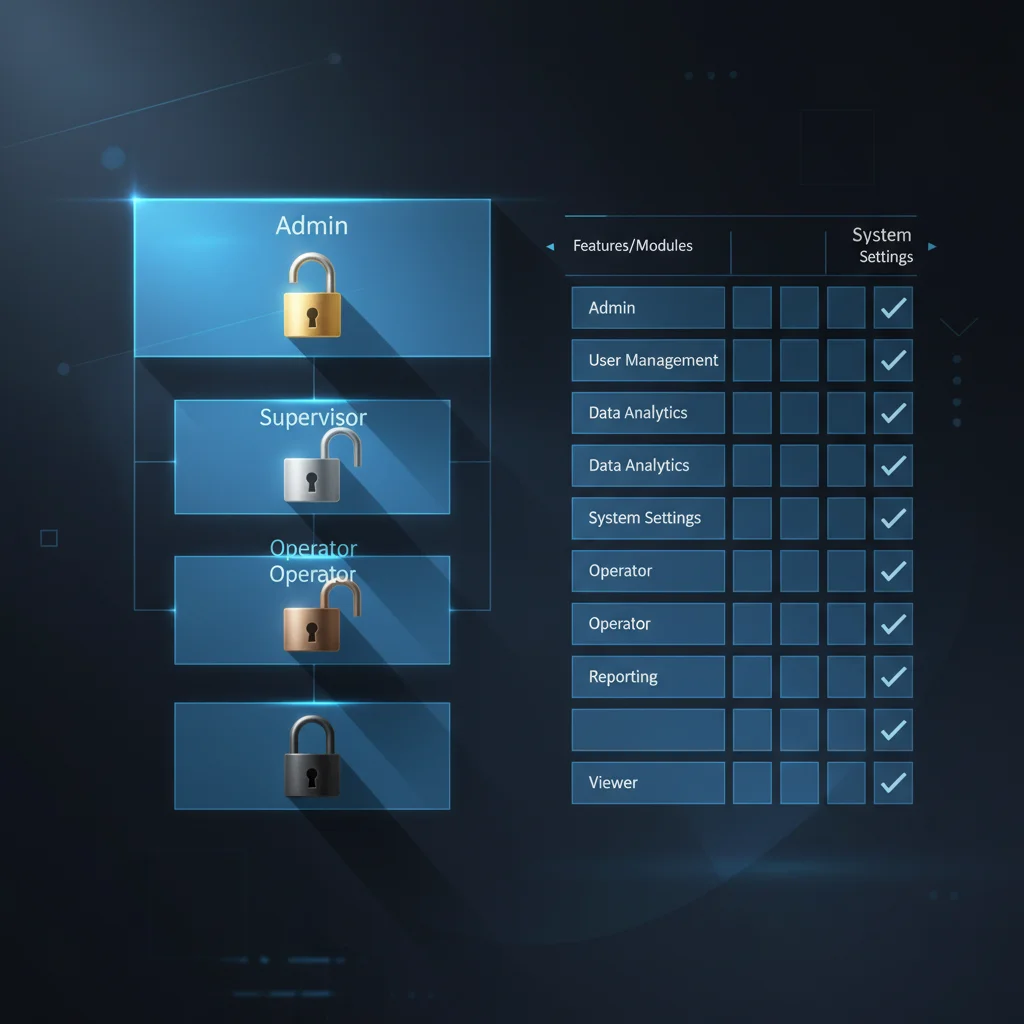
RBAC Roles
Audit Trail
Every action in Conductor generates an audit log entry: who did what, when, on which resource. Audit logs are immutable and accessible only to administrators. This ensures full compliance visibility for regulated environments.
Take Control of Your Media Pipeline
See how Conductor gives your team a single command center for every file, every storage volume, and every pipeline decision.